Today is in

FY26-Q4

82 days left in the quarter. Fiscal Quarter keeps that in your menu bar.

A small Mac app, with widgets for the desktop and an iPhone app, for anyone whose work runs on quarters. It shows where you are in the quarter, how long is left, and when your customers' quarters end too.

Version 1.4. Free, signed and notarized by Apple. macOS 13 or later; widgets need macOS 14.

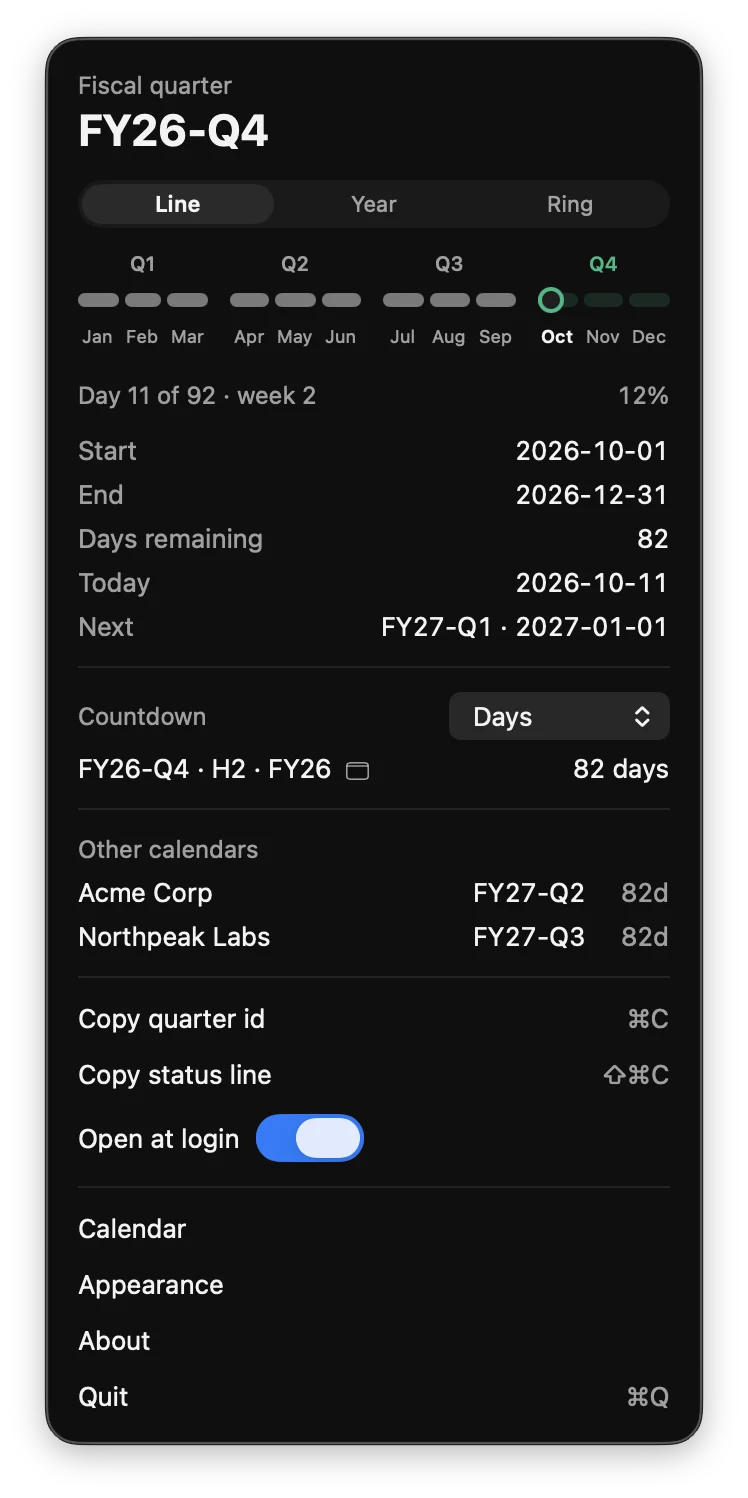
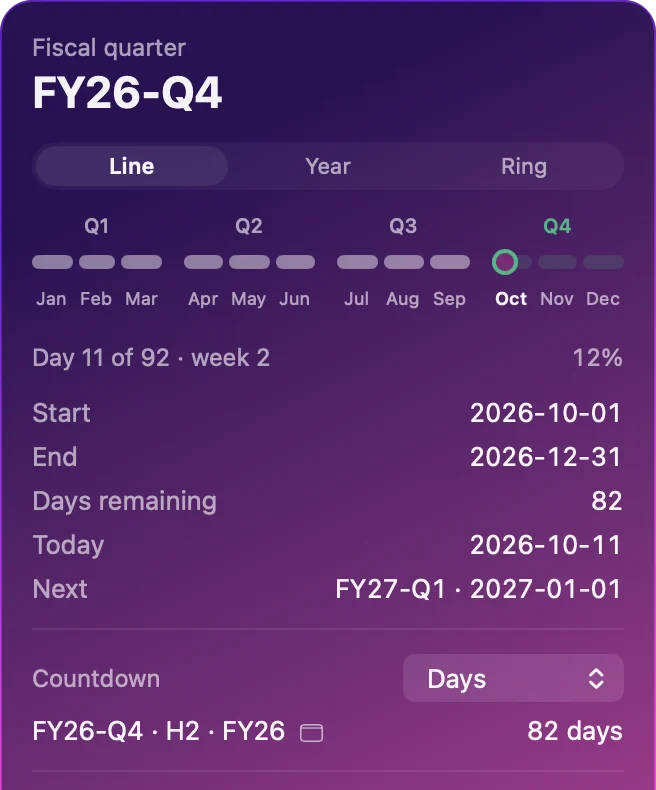
The Fiscal Quarter panel open from the menu bar, showing FY26-Q4, day 11 of 92, the year as a line of months with today marked in October, 82 days left, and two other company calendars.
Day 11 of 92, week 212% through the quarter

Count down in the unit you think in.

Days to the end of the quarter, the half, and the fiscal year. Or workdays, if you think in working weeks, or weekends, if you're planning around them. Click any countdown in the panel to put it in the menu bar instead.

The numbers here are live for today, using the built-in calendar.

82
days left in the quarter

    Widgets for the desktop and the Home Screen.

    Small and medium widgets on the Mac desktop and the iPhone Home Screen, plus three Lock Screen sizes on iPhone. The medium widget sets the quarter, the half, and the year side by side, because they start on different days even when they end together.
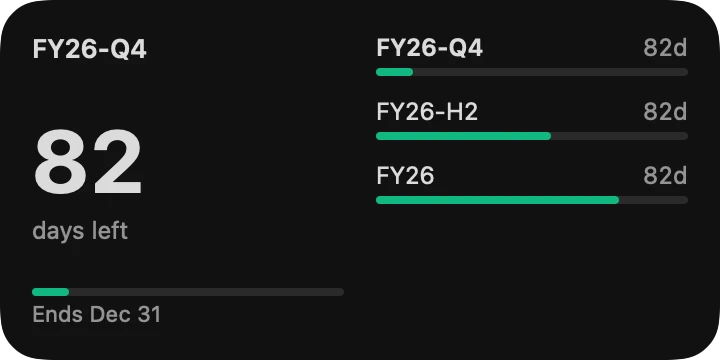
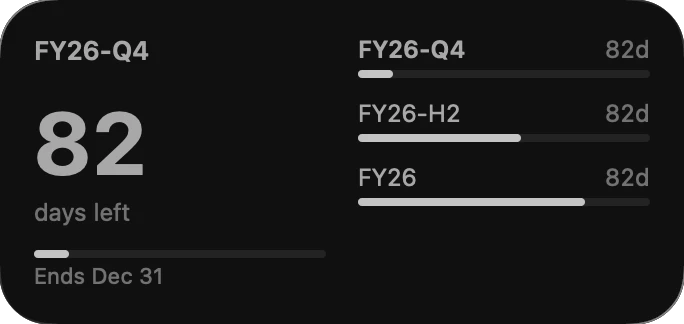
    The medium Fiscal Quarter widget on the Mac: FY26-Q4, 82 days left, ends Dec 31, with green progress bars for the quarter, half, and year.
    The medium widget on the Mac desktop.
    The same widget in monochrome, as macOS shows desktop widgets while an app window is in front.
    Behind your windows, macOS turns desktop widgets monochrome. They come back to color when you click the desktop.
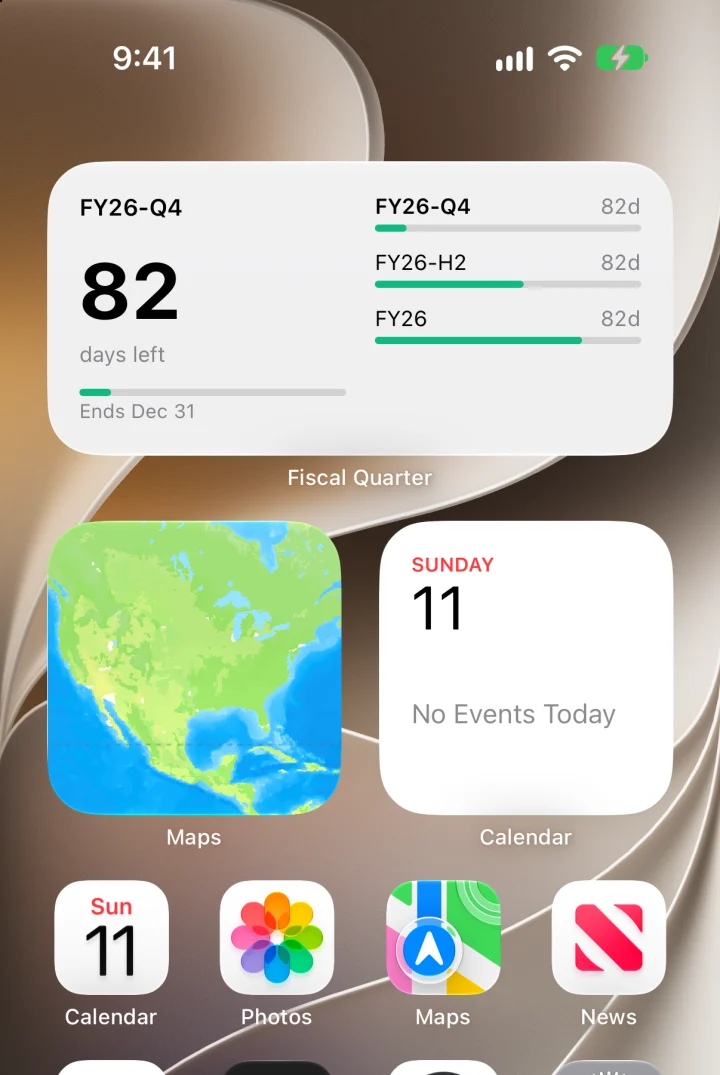
    An iPhone Home Screen with a medium Fiscal Quarter widget: FY26-Q4, 82 days left, and bars for the quarter, half, and year.
    Your calendar, in the standard look.
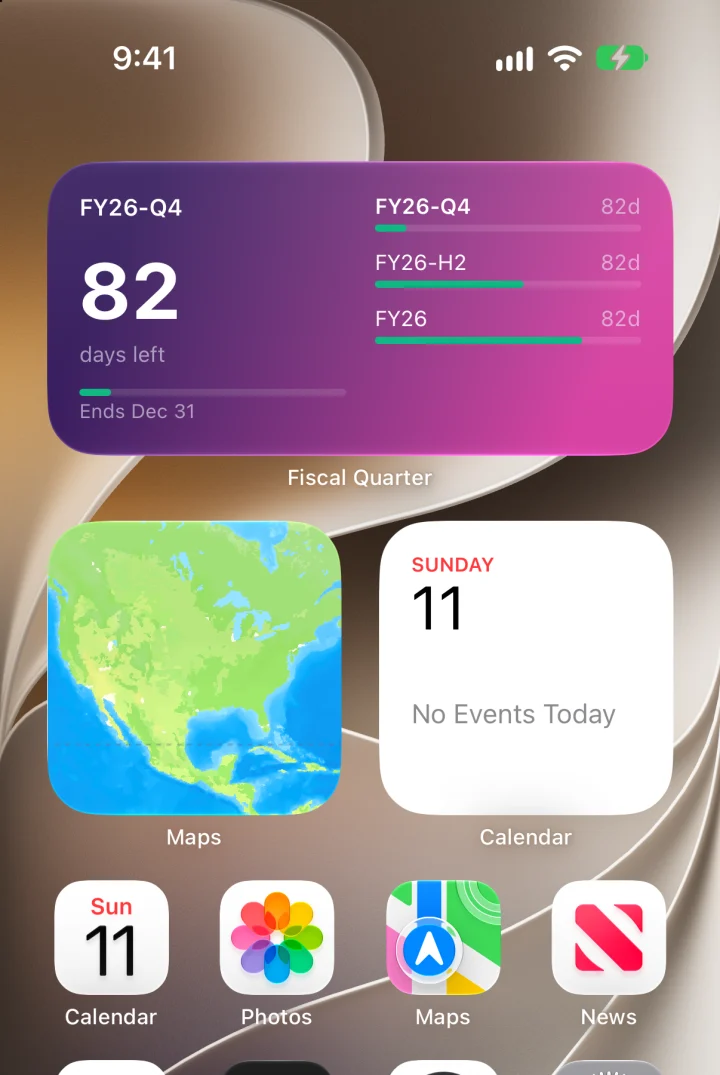
    The same medium widget on a purple-to-pink gradient background.
    The same widget in the Dusk gradient.
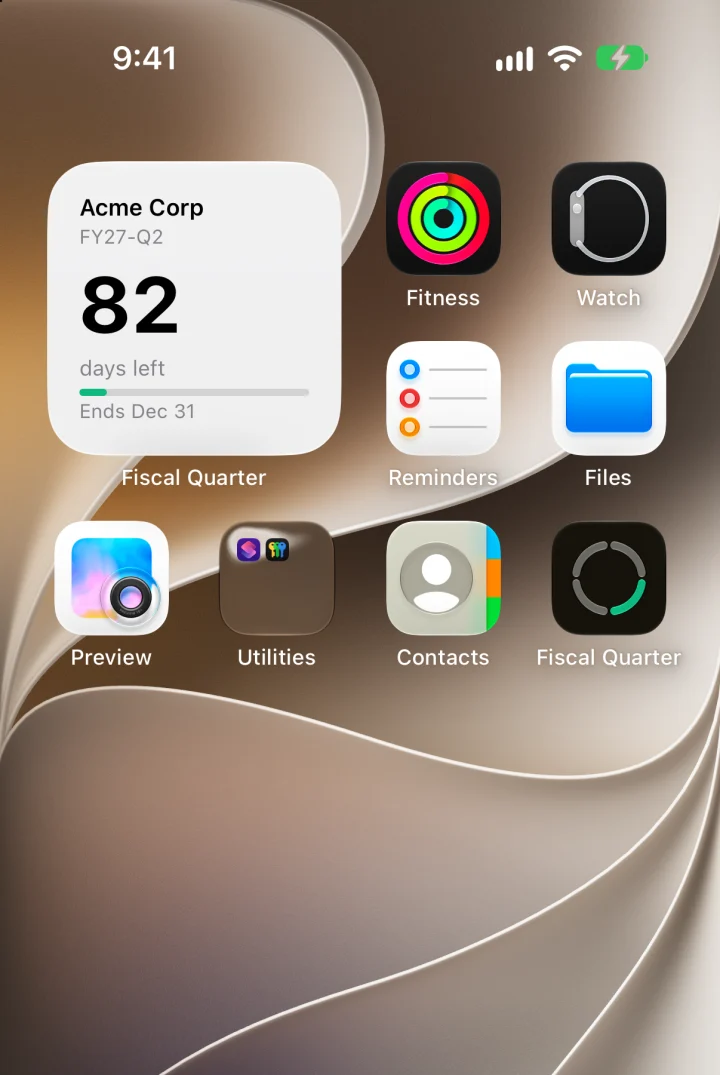
    A small widget labelled Acme Corp showing FY27-Q2 and 82 days left.
    A small widget following a customer's calendar.
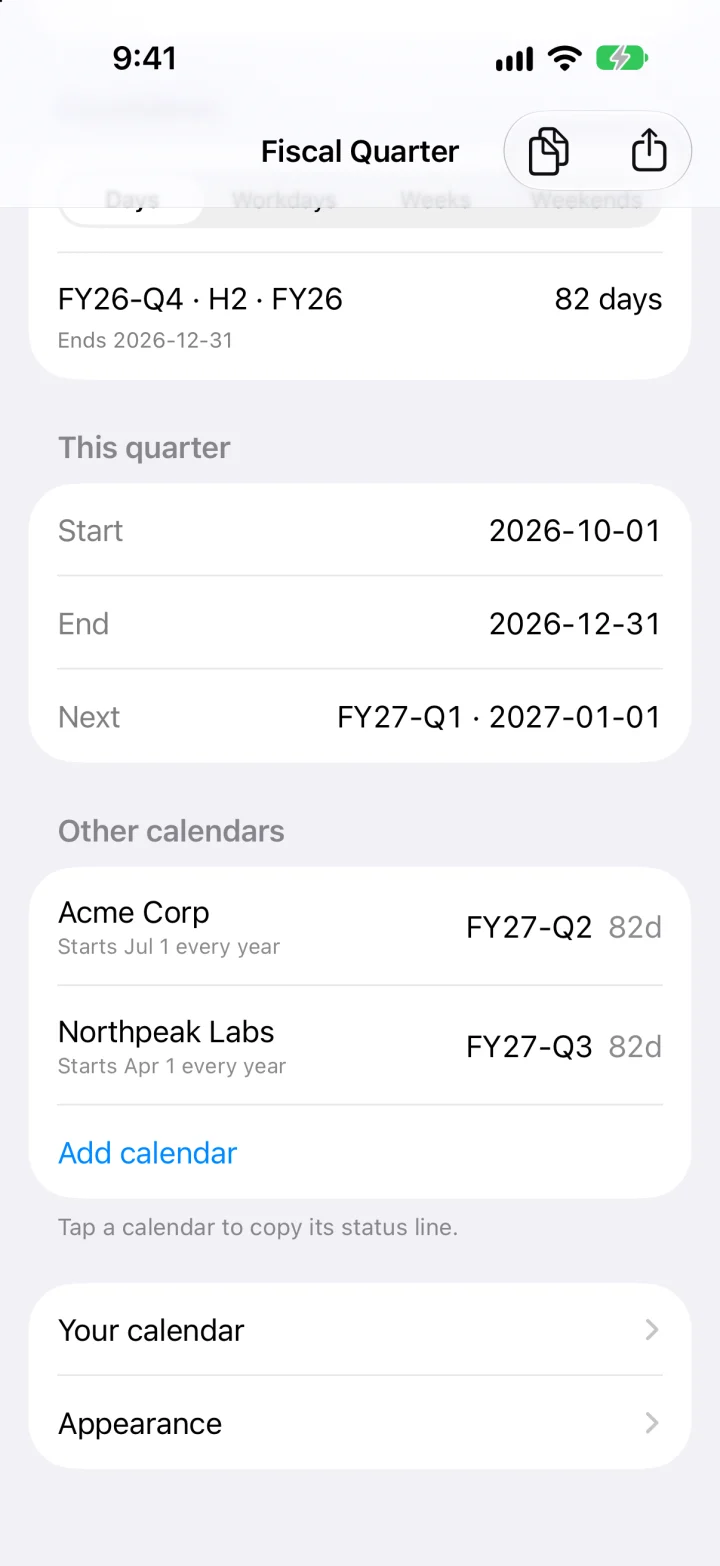
    The iPhone app listing other calendars: Acme Corp, which starts July 1, in FY27-Q2, and Northpeak Labs, which starts April 1, in FY27-Q3.

    Your customers' years don't start when yours does.

    Add the fiscal calendars of the companies you sell to or work with, by name and the day their year starts. The panel lists each one with its quarter and days left, and turns amber in their last two weeks, so you see their quarter end coming.

    Calendars with a short transition year, or quarters that don't follow whole months, can be imported from a file.

    fq --all
    Yours           FY26-Q4 · Day 11 of 92 · week 2 · 82 days left
    Acme Corp       FY27-Q2 · Day 11 of 92 · week 2 · 82 days left
    Northpeak Labs  FY27-Q3 · Day 11 of 92 · week 2 · 82 days left

    Make it look like yours.

    One look covers the app and every widget, and changes reach the widgets at once.
    • BackgroundThe system's own, a color, one of six gradients, or a photo.
    • TypeTen typefaces, the weight of the big number, and three text sizes.
    • ColorLight, dark, or automatic text, and your own accent.
    • What showsProgress bars, end dates, the half and year rows, a centered number.
    The Mac panel on a purple gradient background, showing FY26-Q4 and the year line.
    The Mac panel in Dusk.
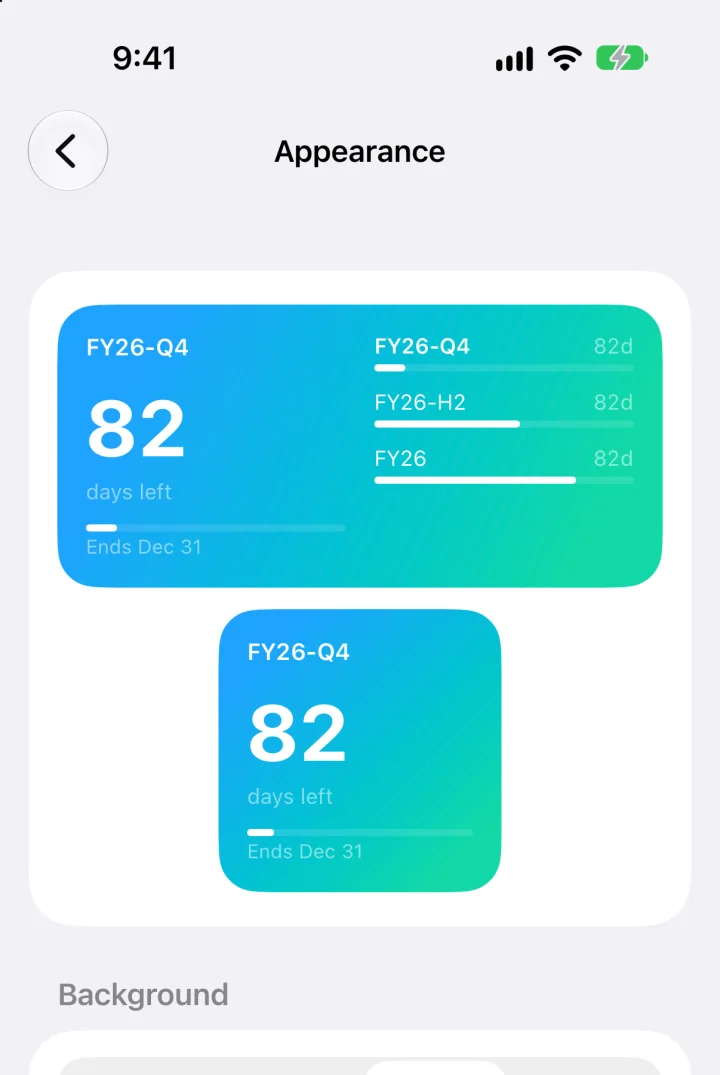
    The Appearance screen on iPhone, with live previews of the medium and small widgets on a blue-green gradient, and the gradient presets below.
    Appearance previews both widget sizes as you choose.
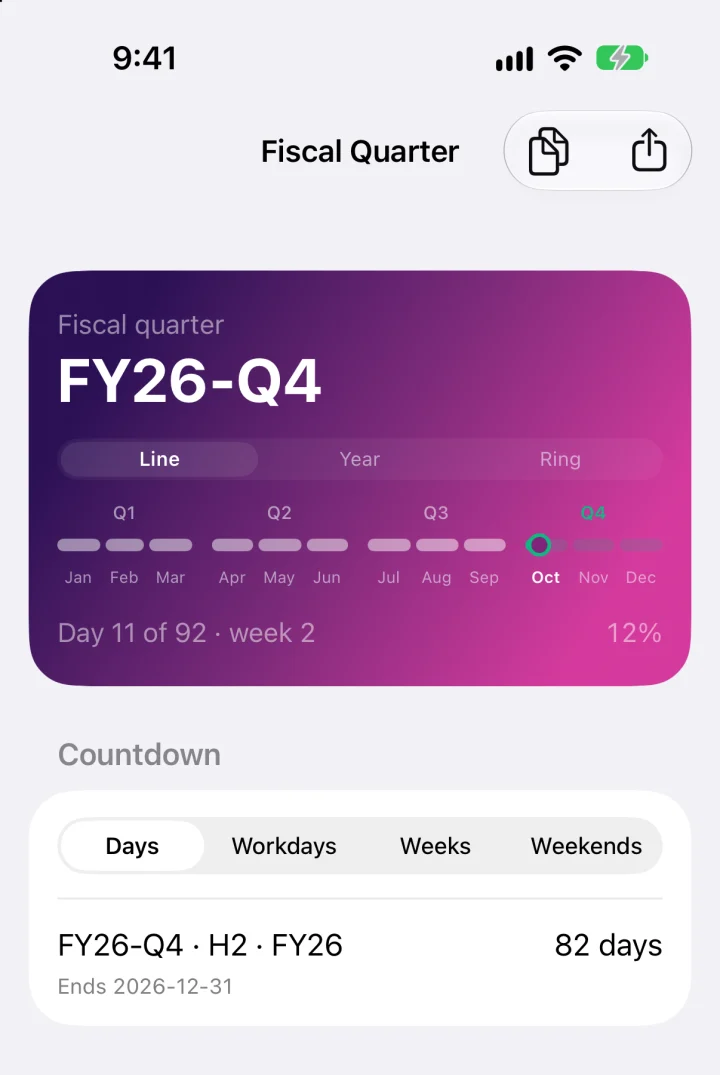
    The iPhone app with its top card on a purple gradient.
    The iPhone app takes the same look.

    The same answers in a shell.

    The app carries a command called fq that reads the same calendars. Use it in scripts, status bars, or a Slack message.

    fq
    FY26-Q4
    2026-10-01 – 2026-12-31
    Day 11 of 92 · week 2
    82 days left
    Next FY27-Q1 on 2027-01-01
    fq --countdown
    FY26-Q4 · H2 · FY26 ends 2026-12-31
      82 days · 59 workdays · 12 weekends
    fq --id
    FY26-Q4

    Output from 11 October 2026. fq --json prints all of it as one object.

    Get Fiscal Quarter.

    Download the disk image, drag the app to Applications, and open it. It's signed and notarized, so it opens like any other app.

    • Free and open source.
    • No account, and no network access.
    • macOS 13 or later. Widgets need macOS 14.
    • The iPhone and iPad app builds from the same repository.
    • The built-in fiscal year is the calendar year. Any other start date is one setting away.